

Organize, flip through, and showcase your Pokémon TCG collection with custom digital binders.
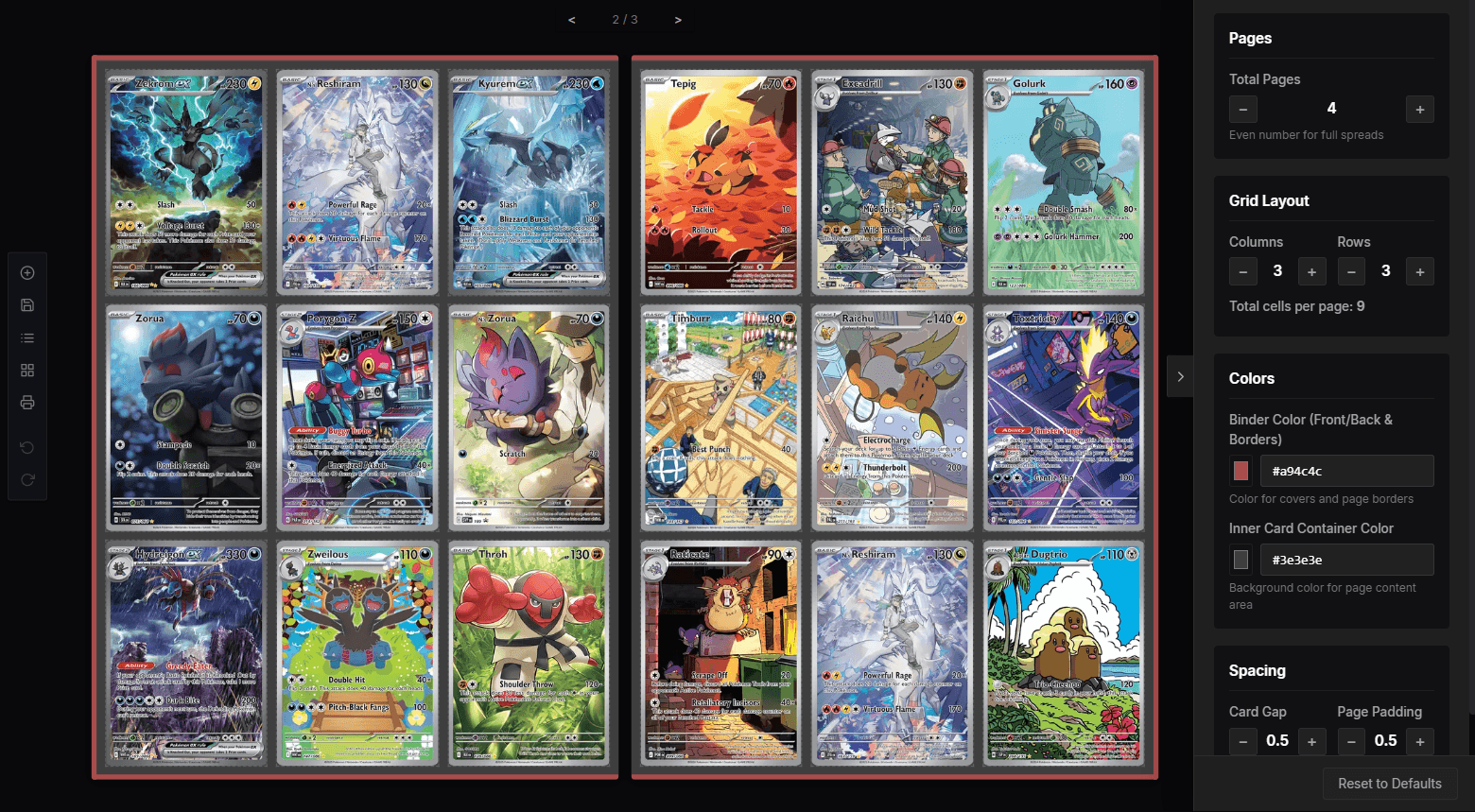
Build virtual card binders that look and feel like the real thing. Search official Pokémon cards, arrange pages with smooth drag-and-drop, merge slots for custom art, and share live interactive binders with anyone.
Recent Binders
No binders saved yet.
Create a binder layout and save it to see it here.
Crafted for Pokémon TCG Collectors
Everything you need to organize, curate, and showcase your collection without the clutter of physical storage.
Flip, Arrange, and Showcase in Full 3D
Bring the authentic physical sensation of card collecting to the browser. Turn realistic binder pages, slide cards into sleeves with live drag-and-drop, and tailor every binder size.
- Authentic 3D Page TurnsInteractive spreads with natural physics, spine depth, and realistic lighting.
- Fluid Drag & DropSwap slots, shift cards, and transfer between pages with full undo/redo history.
- Custom FormatsChoose 2×2 portfolios, standard 3×3 pages, or 4×3 master set configurations.
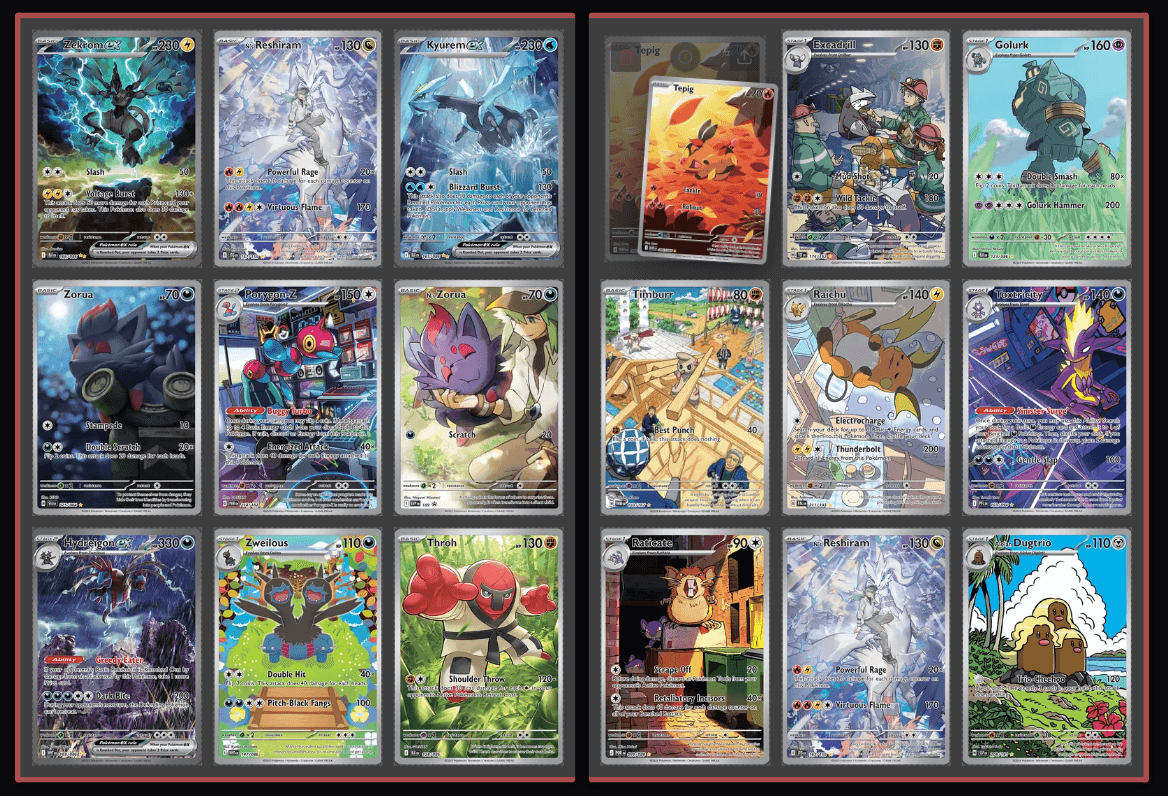
Physical Realism, Zero Limits
Enjoy the tactile nostalgia of binder collecting—smooth page turns, custom spines, and binder textures—with infinite pages, zero shelf clutter, and perfect preservation.
Your Data Stays on Your Device
DigiBinder operates local-first. Your card binders, notes, and collections remain entirely private on your device in browser IndexedDB, with optional cloud sync whenever you choose.
Built for Passionate Collectors
From canonical set completion tracking to condition notes and want-lists, every tool is designed to give your beloved cards the spotlight they deserve.
Community
Join our Discord
Share your collection, get help, and connect with other DigiBinder collectors.